
How to Hire a Video Editor Online: A Portfolio Checklist
By Showmo · 2026-11-26
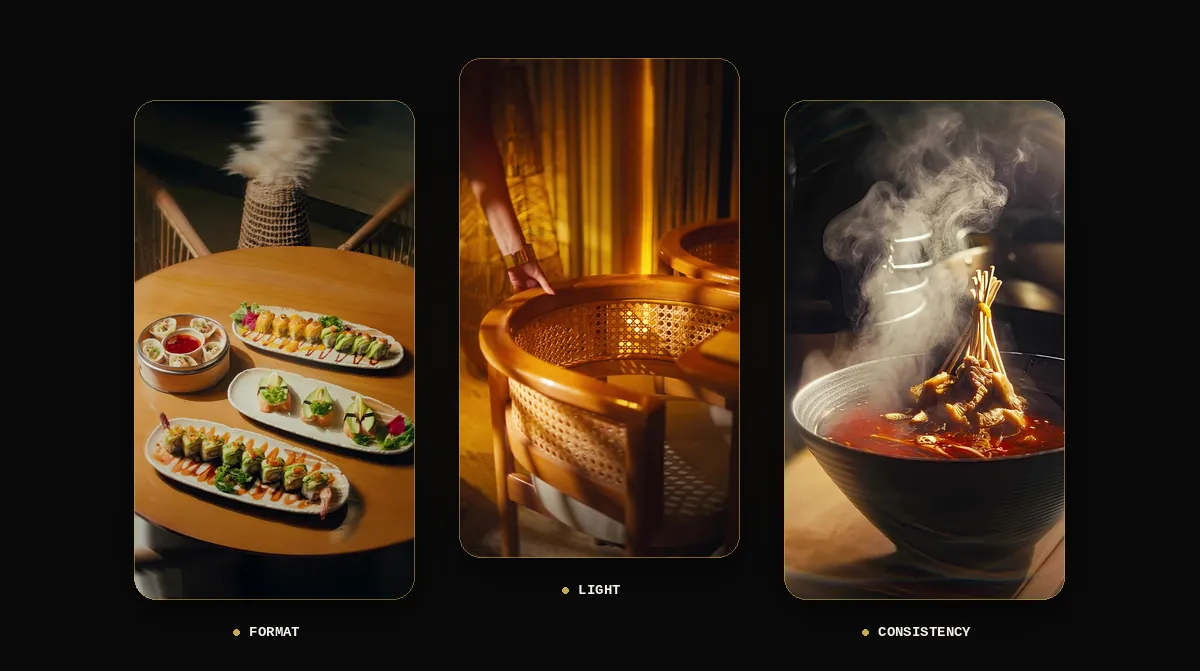
A great showreel proves an editor can cut one great video. It does not prove they can cut yours, in your format, to your deadline, in a look that matches the last ten videos your brand published. When I am on the other side of the table and a client is choosing an editor, these are the things I would check, in the order I would check them.
Start with the format you need, not the best reel
Write down what you will actually order: 9:16 reels, a 60-second commercial, a 10-minute interview. Then look only at samples in that format. A cinematic brand film says very little about a 20-second restaurant reel, and the other way round. Three closely matching samples beat ten impressive but unrelated ones. If the portfolio has nothing in your format, treat that as a gap, not a detail.
A 10-minute portfolio check
Pick two or three relevant pieces and watch each one the same way:
- First two seconds. Is there a reason to keep watching, or does it open on a logo or a slow fade?
- Cuts on movement. Do cuts land on a gesture, a pour, a step, a beat of the music? Or do they land at random?
- Sound. Mute the video, then play it with sound. Weak audio ruins a good picture faster than anything else. Check that music, voice and effects sit at a sensible level.
- Last shot. Does it end on a clear moment or just stop?
- Your phone. Watch it on a phone, because that is where most short-form is seen.
Check the grade, not just the cut
Most hiring guides stop at pacing. For brand work, color decides whether a video looks like it belongs to you. I grade in DaVinci Resolve, so these are the checks I would run on any editor's samples:
- Skin tones. Do faces look natural across shots, or do they shift from warm to green between cuts?
- Shot-to-shot match. Cut between two shots of the same scene. Brightness and color should feel like one camera and one hour of the day.
- Highlights and shadows. Clipped whites and crushed blacks are the usual signs of a rushed grade. A little detail should remain in the dark areas.
- One look across a set. Open three videos made for the same client. If they look like three different styles, the editor may not be able to hold a fixed look.
Then ask for proof of process. A short screen recording or screenshot of the node tree for one named shot shows how they build a grade: correction first, look second, in a clear order. Ask how they handle LOG footage and whether they use color management or a conversion step before grading. My own steps are in the LOG grading guide, and the difference between fixing and styling is in color grading vs color correction. An editor who cannot explain their color workflow in plain words is probably not controlling it.
Check the delivery, not just the picture
Ask what they deliver by default: aspect ratio, resolution, frame rate, codec, captions burned in or as a separate file, and loudness. For vertical video, titles should sit inside the safe area so app buttons do not cover them. The Reels vs Shorts vs TikTok guide covers what changes per platform. An editor who asks about the platform before cutting is thinking about the right thing.
Ask questions that expose process
- What do you need from me before you start? A good editor asks about goal, platform, references and files. See the briefing checklist.
- How do you want footage delivered, and how do you organize it? The answer should match what a clean handover looks like.
- What happens if footage is weak, shaky or badly lit? Look for a practical answer, not a promise.
- How many revision rounds are included, and what counts as a new request? A vague answer here becomes an argument later.
- How many clients are you working with now, and who covers if you are unavailable? Capacity and continuity matter more once you move from one video to a monthly volume.
- What are your working hours and your turnaround for a 30-second reel? For a remote editor, time-zone overlap and weekend coverage decide how fast feedback loops run.
Run a paid test with a scoring sheet
A portfolio shows past work for other people. A paid test shows work for you, on your footage, to your brief. Several hiring guides, including Twine's vetting checklist, recommend a short paid test before committing to a batch, and I agree. Make it fair: a fixed fee, one clip or reel, a clear brief, a deadline, and a reference to match.
Score the result on the same six points for every candidate:
- Brief followed. Format, length, message and references.
- Cut and pacing. Hook, rhythm and ending.
- Grade. Skin tones, shot match, contrast and a look close to your reference.
- Sound. Levels, music fit and clean transitions.
- Delivery. Correct specs, safe areas and file names, with no re-export needed.
- Communication. Reply speed, questions asked and how they handled the feedback round.
The last point is easy to skip and it is the one that predicts how month three will feel.
Red flags
- No samples in your format, or a reel with no context about what the editor actually did.
- Every video looks different, with no consistent look or craft behind them.
- Reluctance to do a paid test, or no stated delivery specs until the project starts.
- No clear revision policy and no questions about your brief.
- Heavy effects used to hide weak footage or weak ideas.
Agree the basics in writing
Before the first paid job, put these in writing: the number of revision rounds, who owns the project files, how footage is shared and who can access it, how music and fonts are licensed, and payment timing. It takes ten minutes and saves the argument that would otherwise come at the worst moment.
How we make this easy to check
I built Showmo Films around this process. My team and I cut and grade in DaVinci Resolve in one consistent style, and you can see the same look repeated across the work page. If you are an agency, a brand or a filmmaker choosing an editor, the lowest-risk way to check us is the First Frame Test: one fully graded reel, up to 30 seconds, with one revision round, for $150, with $150 off your first month if you join a plan within 30 days. See pricing for the details, or read about our video editing, Reels, TikTok and Shorts editing and color grading services. When you are ready, book your First Frame Test.
Back to the Journal.