
What to Shoot and Send Your Editor: A Restaurant Reel Checklist
By Showmo · 2026-11-28
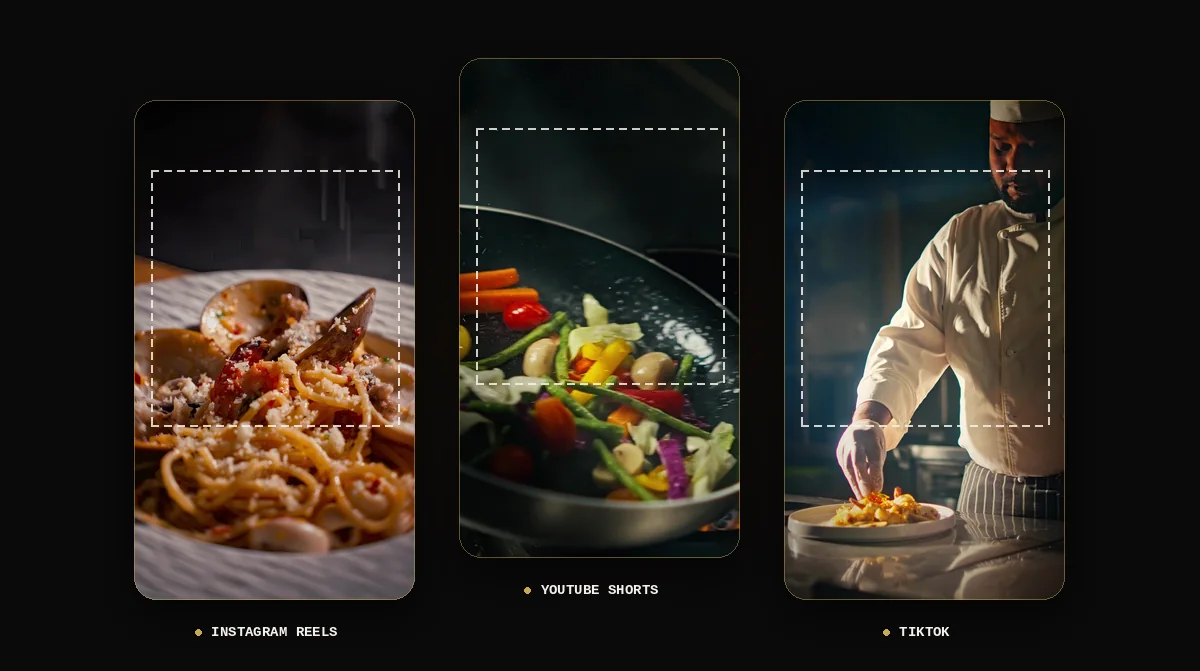
A good restaurant reel is won on the shoot, not in the edit. Send your editor the right clips and the cut comes back faster, cleaner and better. This is the checklist we ask for.
1. Shoot these seven moments
- The hero dish. One clean, slow move toward or around the plate. Steady matters more than fancy.
- The process. Hands, knives, pans, flame. Short clips, 1 to 5 seconds each.
- The sound shots. Sizzle, pour, crack, steam. Get close and let the action finish inside the clip.
- The reveal. The plate lands on the table, the lid lifts, the sauce goes on.
- The people. A guest reacting, a chef plating. Real faces, no staged smiles.
- The room. One wide for atmosphere, one detail of the space.
- The exterior. Sign, door, street. Useful for the first or last second.
2. Frame rates
Shoot action at 60 fps or higher (100 or 120 fps if your camera has it) so the editor can slow it down. Shoot talking and static shots at your normal frame rate. Keep every clip in a project at the same resolution.
3. Keep it steady
- Handheld or gimbal is fine. Hold still at the start and end of each move, because the editor picks the steadiest part.
- Slow, smooth pans and tilts beat fast ones.
- Level the horizon before you roll.
4. Take it more than once
Shoot two or three takes of each important shot. The last take is usually the best, because the crew knows the move by then. Do not delete the rest. Let the editor choose.
5. Name and organize
Put clips in folders by moment: 01_hero, 02_process, 03_sound, 04_reveal, 05_people, 06_room, 07_exterior. Keep the original file names from the camera and add one text file with the dish names. The full handover is in what to send a remote video editor.
6. Shoot in log if you can grade
If your camera shoots log, send the log files and tell your colorist the camera and profile. The editor converts log to a clean base in DaVinci Resolve and builds the look shot by shot, so every clip matches. The LOG checklist lists what to note, and the LOG grading guide shows the workflow. If you shoot standard color, send that as it is.
7. Send the brief with the clips
One page is enough. What is the reel for: a menu launch, an opening, an offer? Where will it run: Instagram, TikTok, ads? Add one line on the mood, music you like, anything you cannot show, and the deadline. The brief checklist has the full list.
What the editor sends back
A finished vertical reel, graded and cut to music, with one round of changes. Reels, Shorts and TikTok each need small changes to the edit, covered in Reels vs Shorts vs TikTok.
Have footage and need it cut and graded? Send us a message.